IINA 1.5.0 is Released
Ten years ago, IINA was created in a university library. I’m grateful to see that it is still loved by users around the world. IINA is maintained by a very small team with limited resources, so development can sometimes move slowly. Much of the user interface was written seven or eight years ago. While it still works well, we felt that IINA was long due for a design update.
We have been preparing IINA 1.5.0 for almost a year. It introduces the biggest interface redesign since IINA’s launch. Along with this release, we have also completely redesigned iina.io. The original website was created on a train after its initial launch and had changed very little since; the new site is statically generated, has minimal JavaScript, no front-end framework, and contains no ads or tracking, just like the IINA app itself.
Resizing the window freely
From the beginning, IINA was designed around the assumption that the player window would follow the aspect ratio of the video, similar to QuickTime. Over the years, many users have asked to unlock the window aspect ratio and resize it freely.
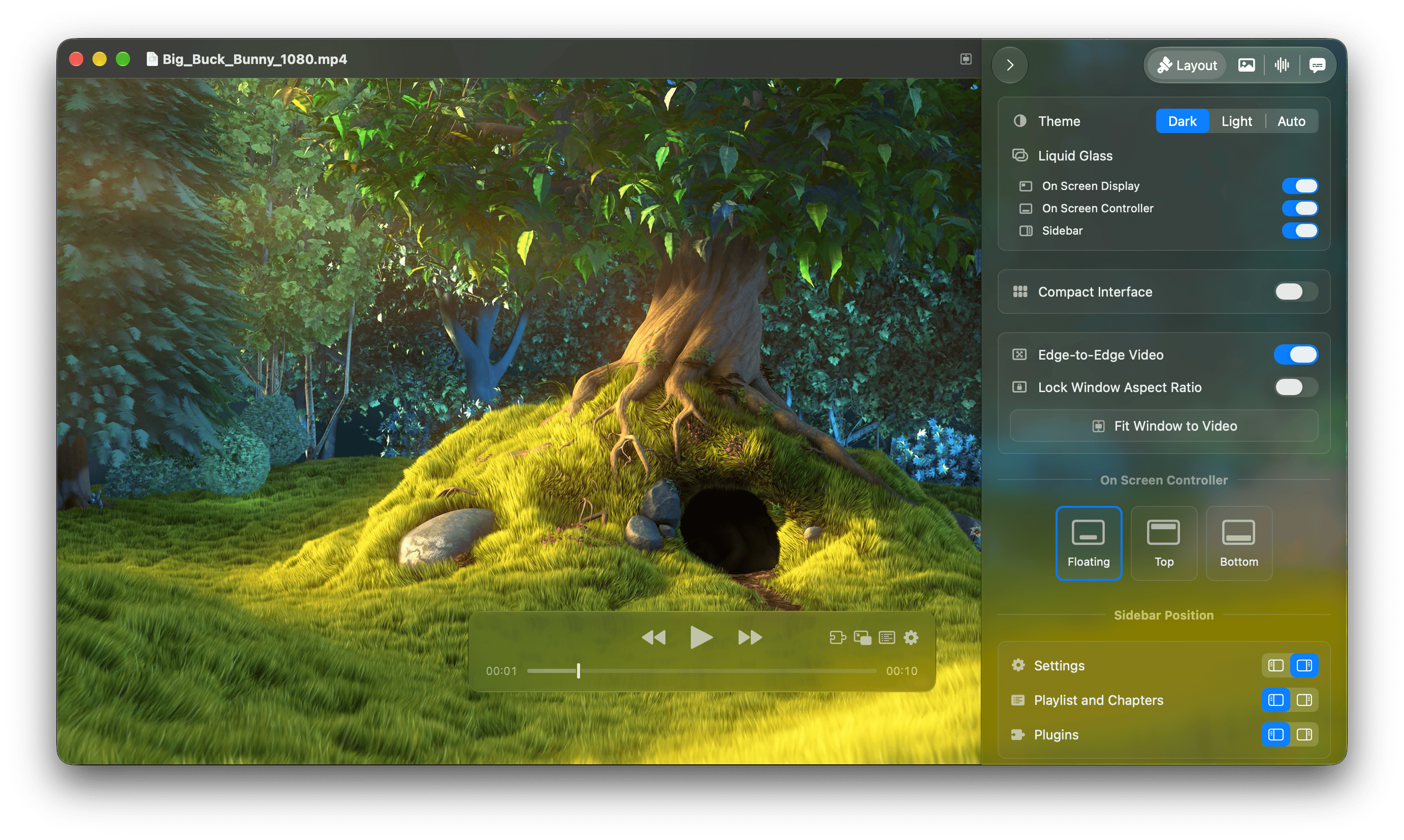
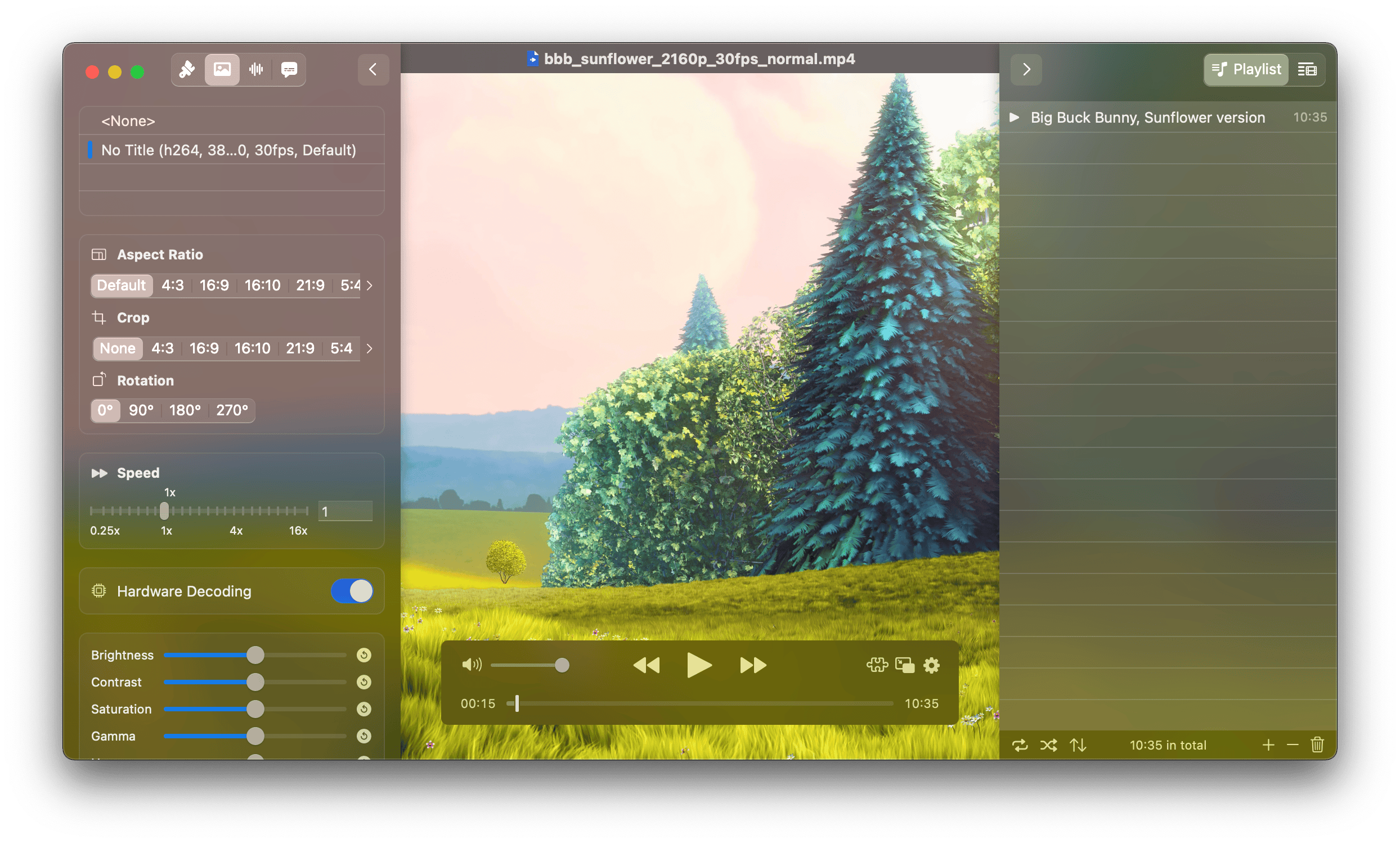
IINA 1.5.0 adds a new Layout sidebar, which makes it easier to adjust the layout and appearance while playing, without having to open the Settings window.
The new Lock Window Aspect Ratio option is available there as well as in the menu. If you also disable Edge-to-Edge Video, the video will stay within its own area rather than extending underneath the sidebars.
Customizable panel layout
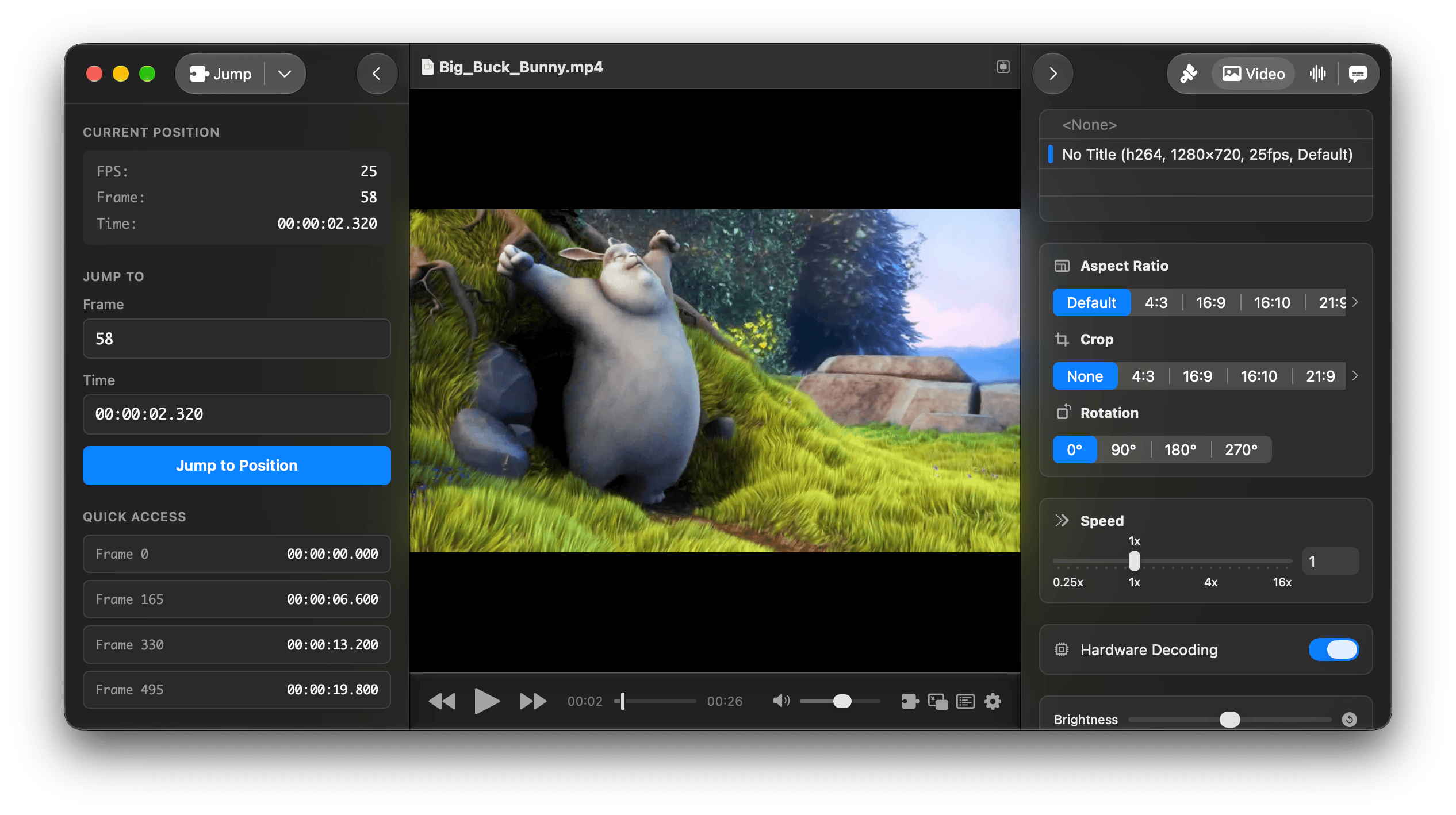
IINA now supports displaying both the left and right sidebars at the same time. For example, you can put the playlist on the left and the settings panel on the right.
The sidebars, title bar, and on-screen controller can also be docked so that they remain visible, allowing layouts closer to a traditional media player such as VLC. Sidebars are now fully resizable as well.
We have also given the interface more spacing to better fit the design of modern macOS. If you prefer the denser layout of previous versions, the new Compact Interface option brings it back.
The new Settings window
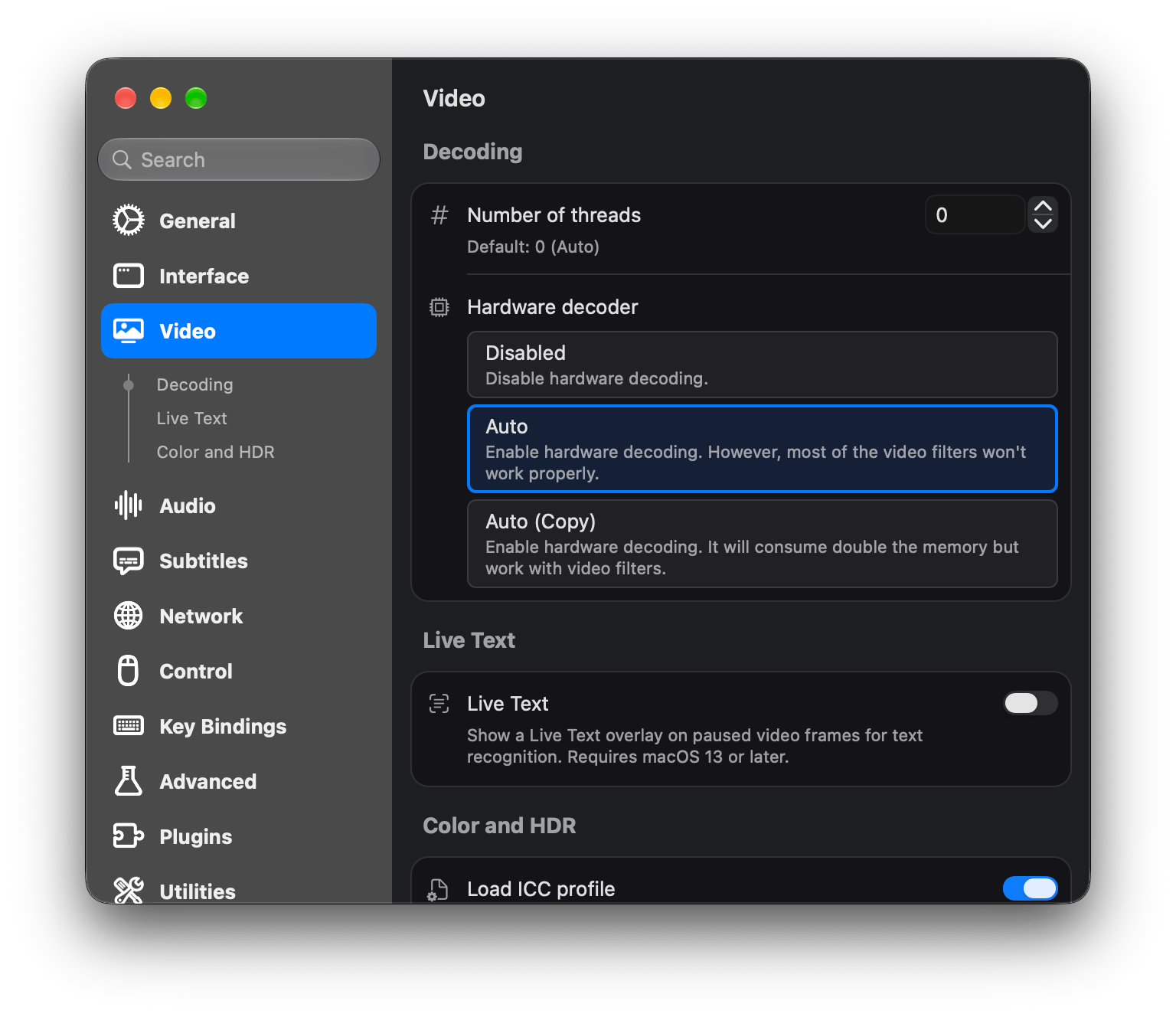
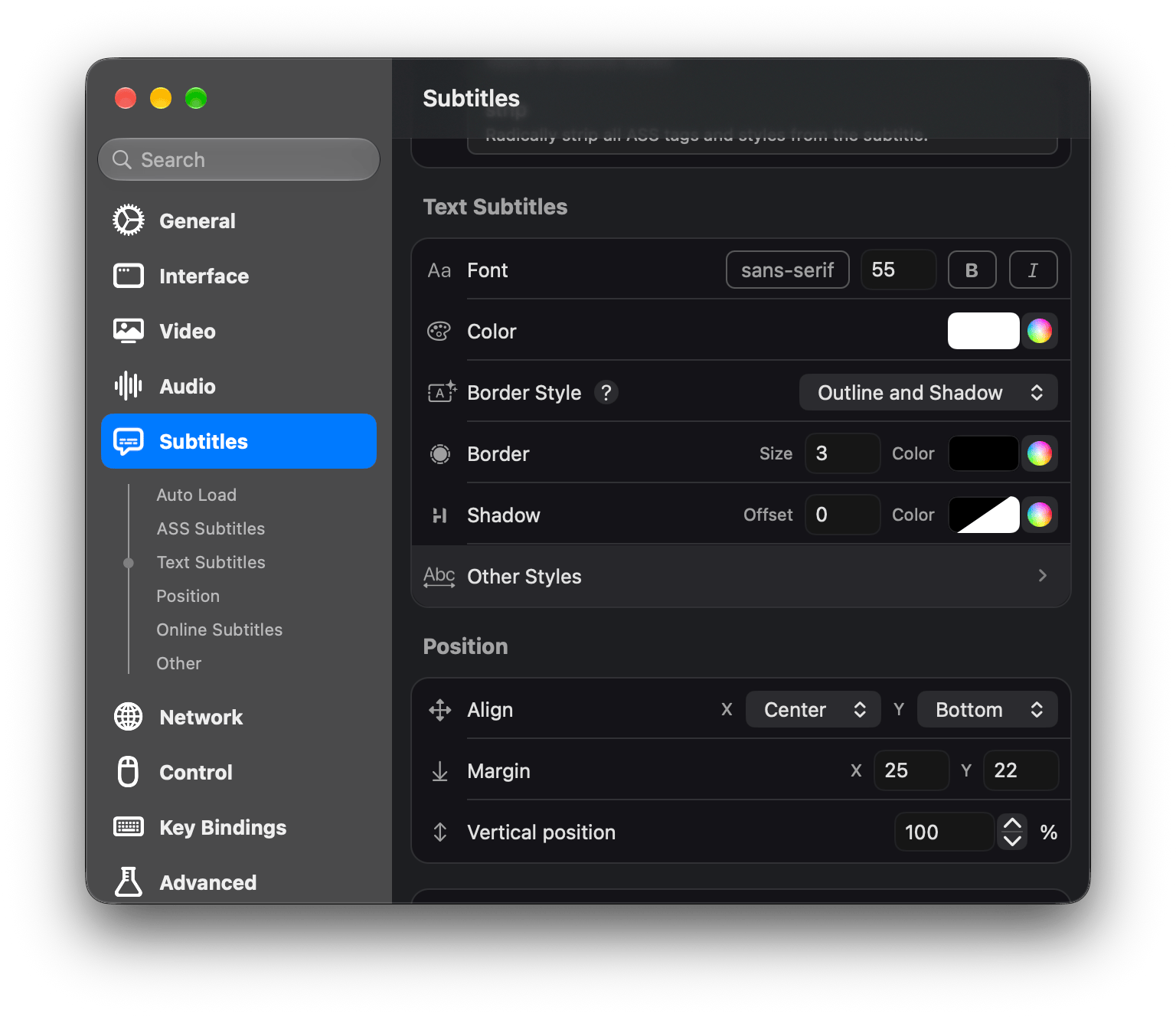
We have rewritten the Settings window from the ground up. The new window is built using Swift result builders (not SwiftUI) which makes the code easier for us to maintain and extend.
The new Settings window is designed to be straightforward to navigate. We tried to make information visible at a glance rather than hiding it inside drop-down menus, pop-up windows, or secondary pages. At the same time, icons, grouping, and typography help keep the interface from becoming cluttered. The result actually takes up less space overall while feeling more spacious than before.
Plugins
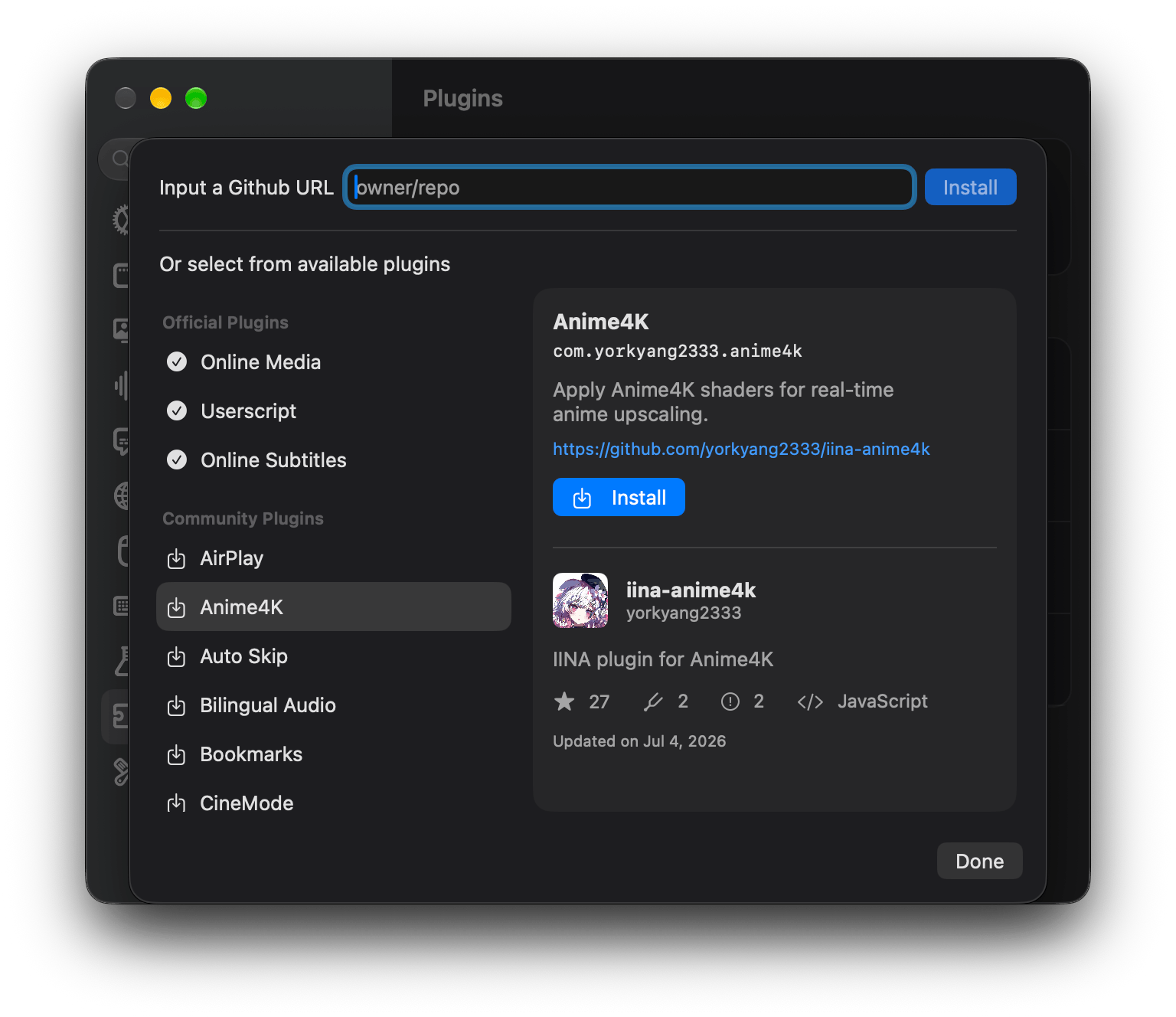
IINA 1.4.0 introduced the plugin system, with APIs covering everything from event handling to custom interfaces. Since then, users have created plugins for a variety of needs. In IINA 1.5.0, community plugins can be discovered and installed directly from IINA’s Settings window.
If you have made an IINA plugin yourself, you can submit a pull request on GitHub to have it listed there.
Liquid Glass and other updates
IINA now supports Liquid Glass on macOS 26 and 27. The effect can be enabled individually for the On-Screen Display (OSD), On-Screen Controller (OSC), and sidebars.
We have also updated the design of several auxiliary windows, including the inspector, playback history, welcome window, and log viewer. Other additions include Live Text support and a number of smaller improvements and fixes.
Please see the full release notes for the complete list of changes.
Older versions of macOS
The interface changes above are not limited to the latest macOS releases. We made an effort to ensure that IINA 1.5.0 still looks coherent with the system design on older versions of macOS.
IINA 1.5.0 is also expected to be the final version supporting macOS 11. Newer versions of Xcode make continued support increasingly difficult, and it has also become harder for us to maintain physical macOS 11 hardware for testing.
What’s next
In the meantime, we will continue fixing issues found in 1.5.0 and polishing the new interface. If you encounter a problem, please open an issue on GitHub.
For the next major version, we plan to focus more on internal refactoring, rendering performance, and resolving remaining HDR and color-management issues.