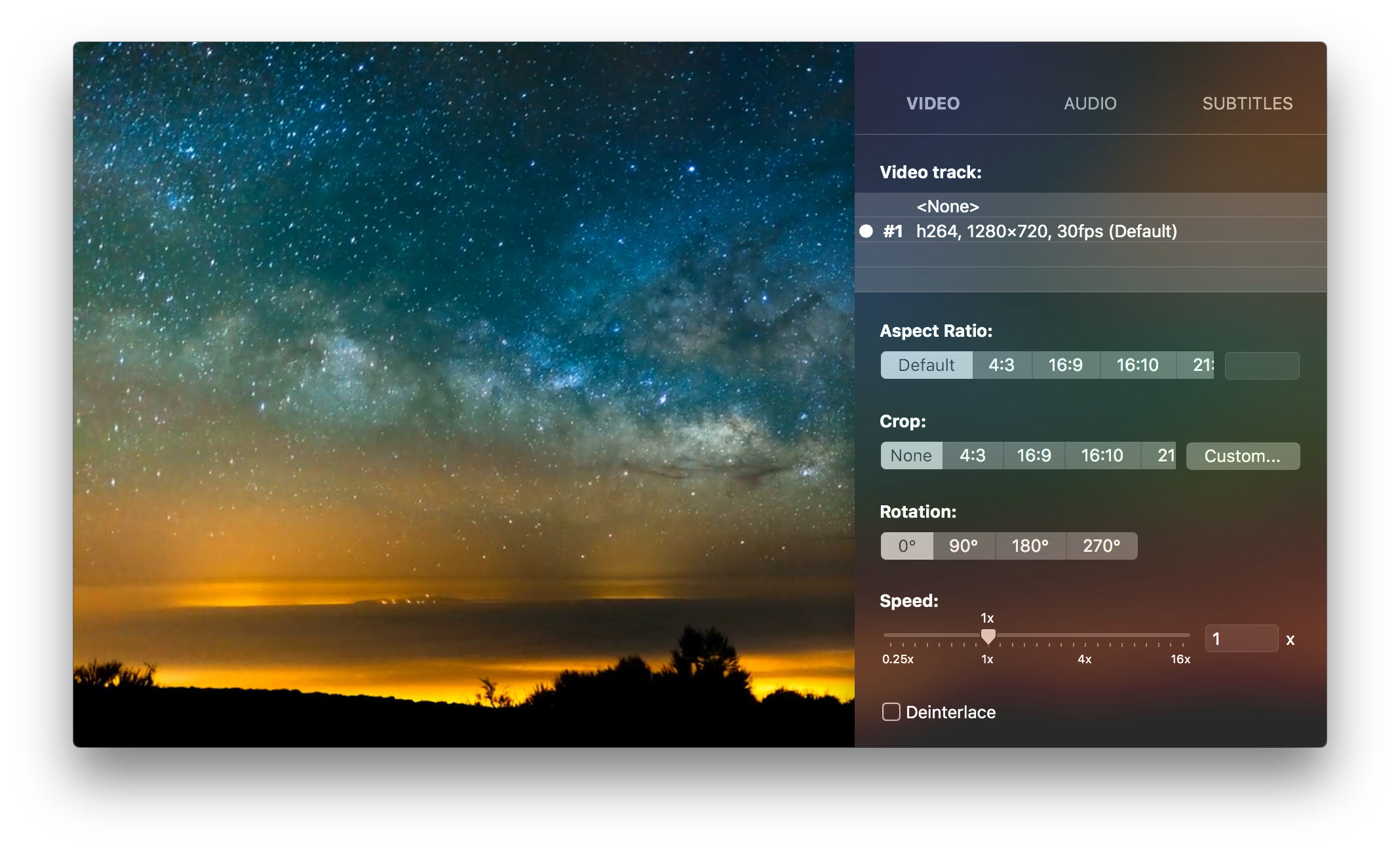
Access all you need from the sidebar.
All settings and options are available in the sidebar so you can adjust them in an intuitive way.
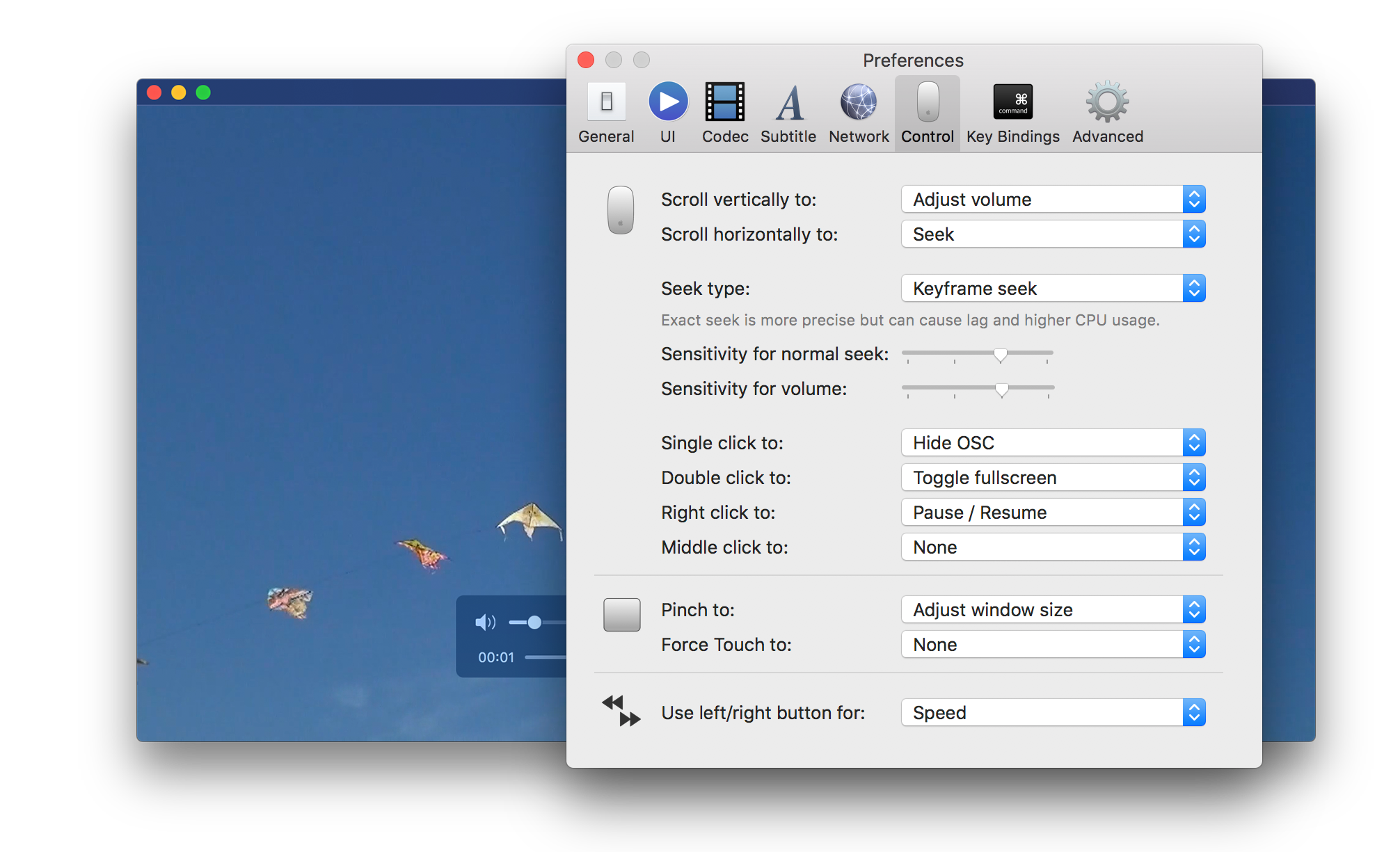
Make full use of your mouse and trackpad.
IINA allows you to assign actions for mouse scrolling and click events, trackpad gestures or even Force Touch clicks.
Highly customizable user interface.
IINA provides 2 themes that match the system and 3 different layouts for the control bar.


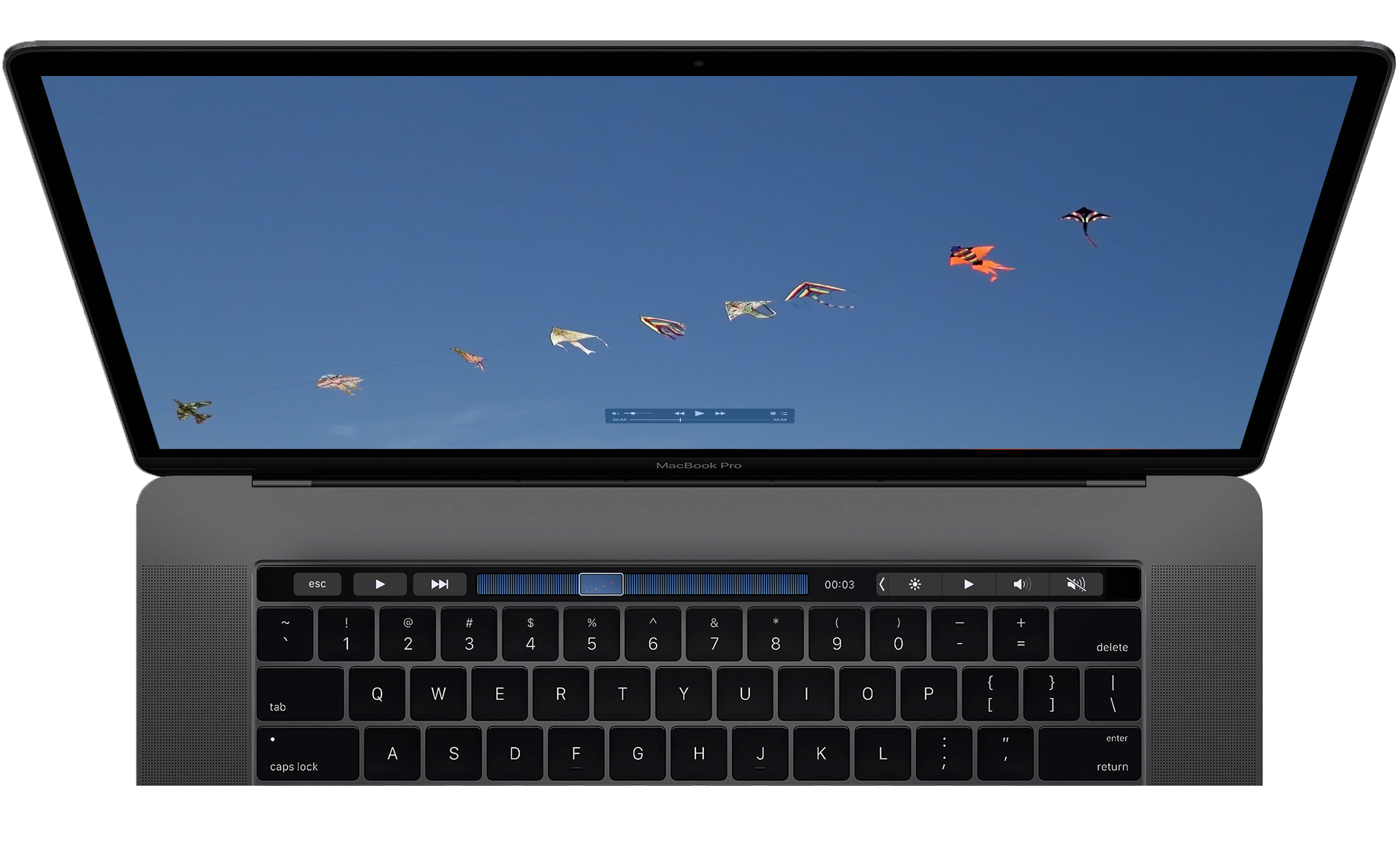
Touch Bar support.
Advanced Touch Bar support including a QuickTime-like seek preview.
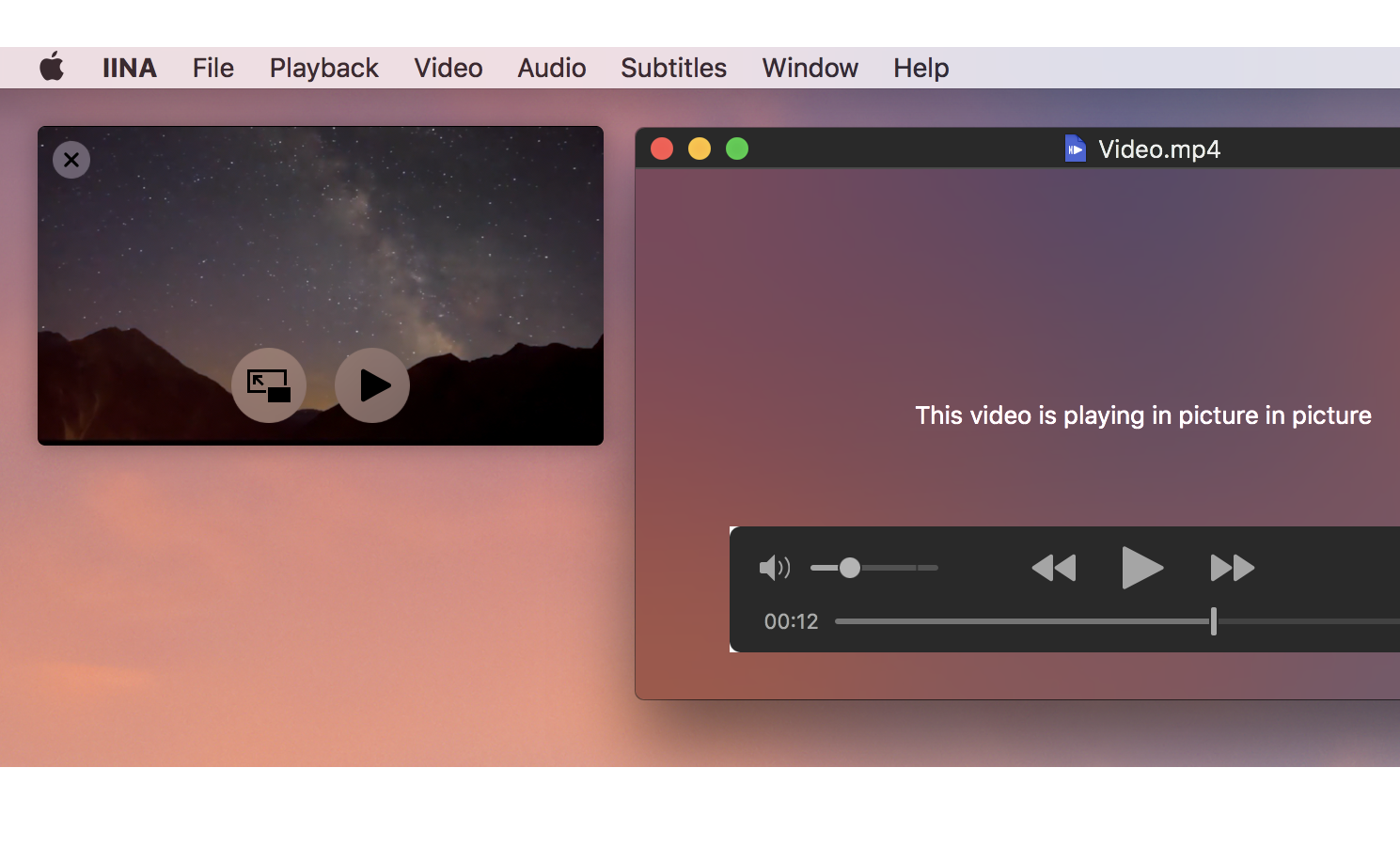
Picture-in-Picture.
IINA integrates the native Picture-in-Picture mode of macOS.
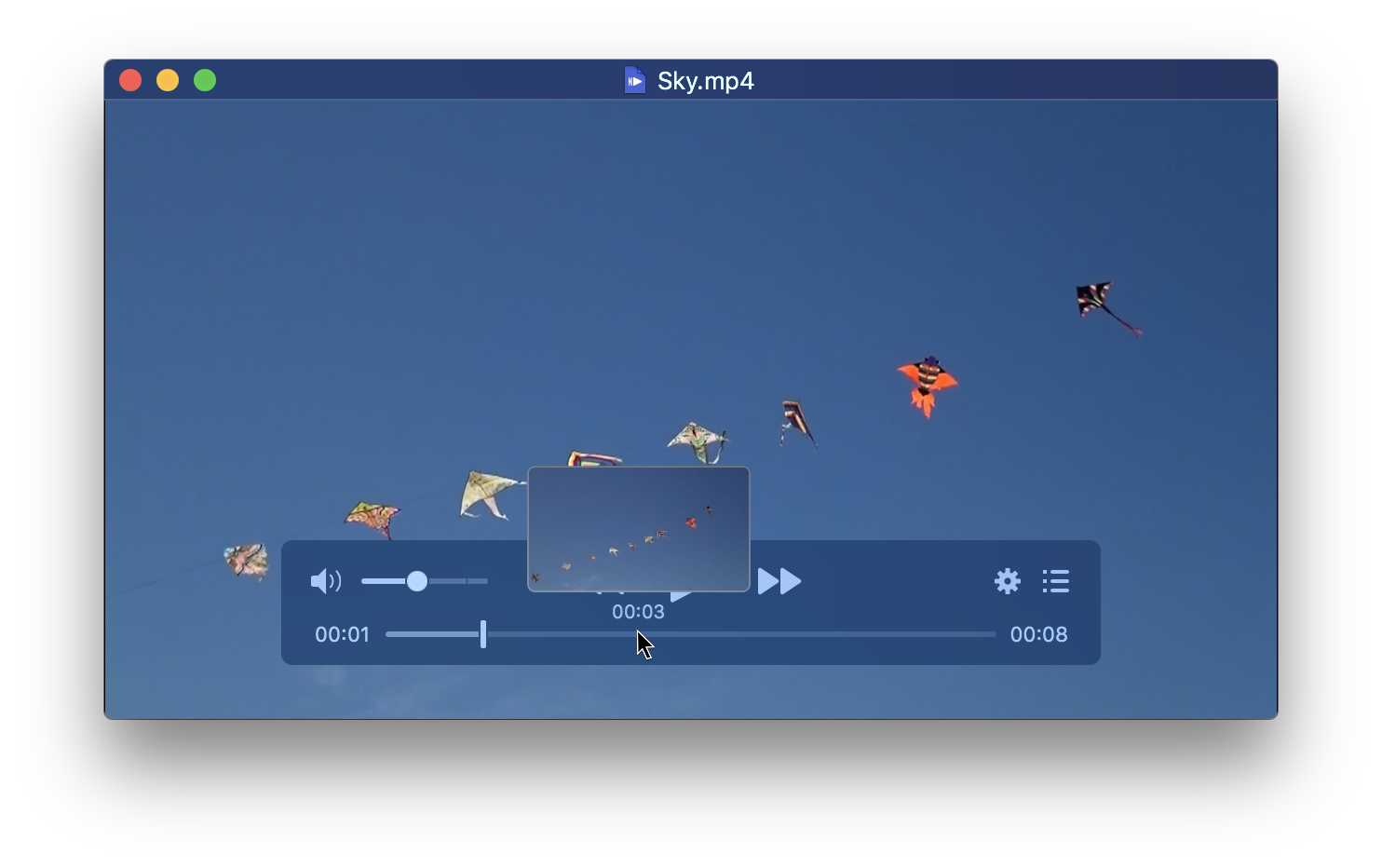
Thumbnail preview.
IINA generates thumbnail for the whole timeline. You can preview at any time point just like YouTube.
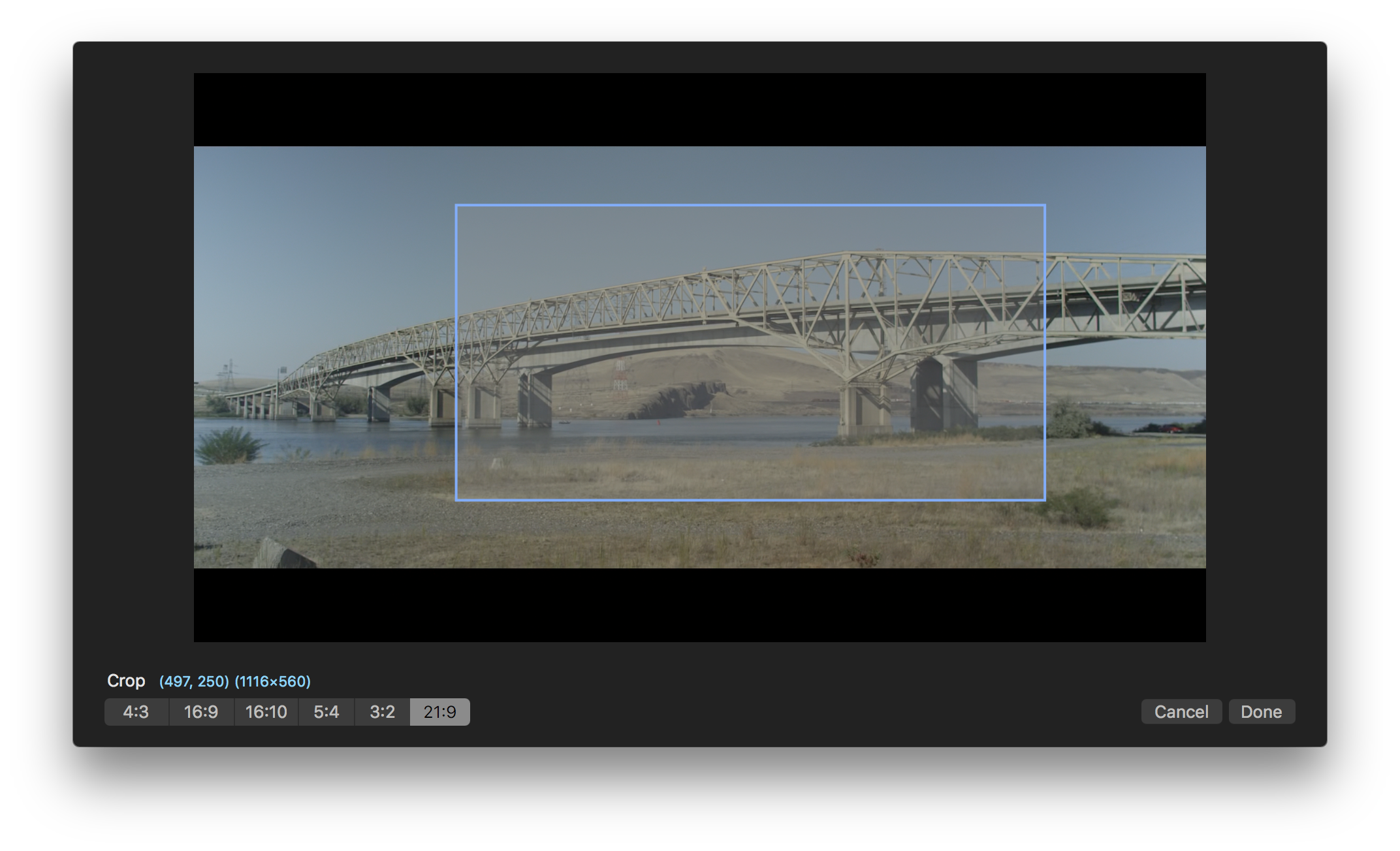
Interactive cropping and selection.
The interactive mode makes it easy to select an arbitrary region on the video. You can crop the selected region afterward, or apply a delogo filter to hide watermarks or hard-coded subtitles.
Music mode.
Though IINA is developed to be a video player, it also features a graceful music mode, allowing you to concentrate on music with additional information such as album artworks and artist names around. You can hide the album artwork and the playlist panel to obtain a minimal UI, or with all of them expanded to make it a fully functional music player.
Superme decoding capability.
Powered by mpv, IINA delivers the best decoding performance on macOS.